Your iPhone's export, on your Mac.
MetricBridge for Mac shows the same numbers on a big screen: the Today card, a page for every metric, your sleep, your workouts and training load, and which of your AI agents already read your export. It reads the files your iPhone writes, so the Mac and the phone always agree.
Included with the iPhone app. MetricBridge for Mac is the same App Store purchase as the iPhone app, for macOS 14 or later. It needs MetricBridge on an iPhone with Export turned on; you can try it first with the built-in synthetic demo data.
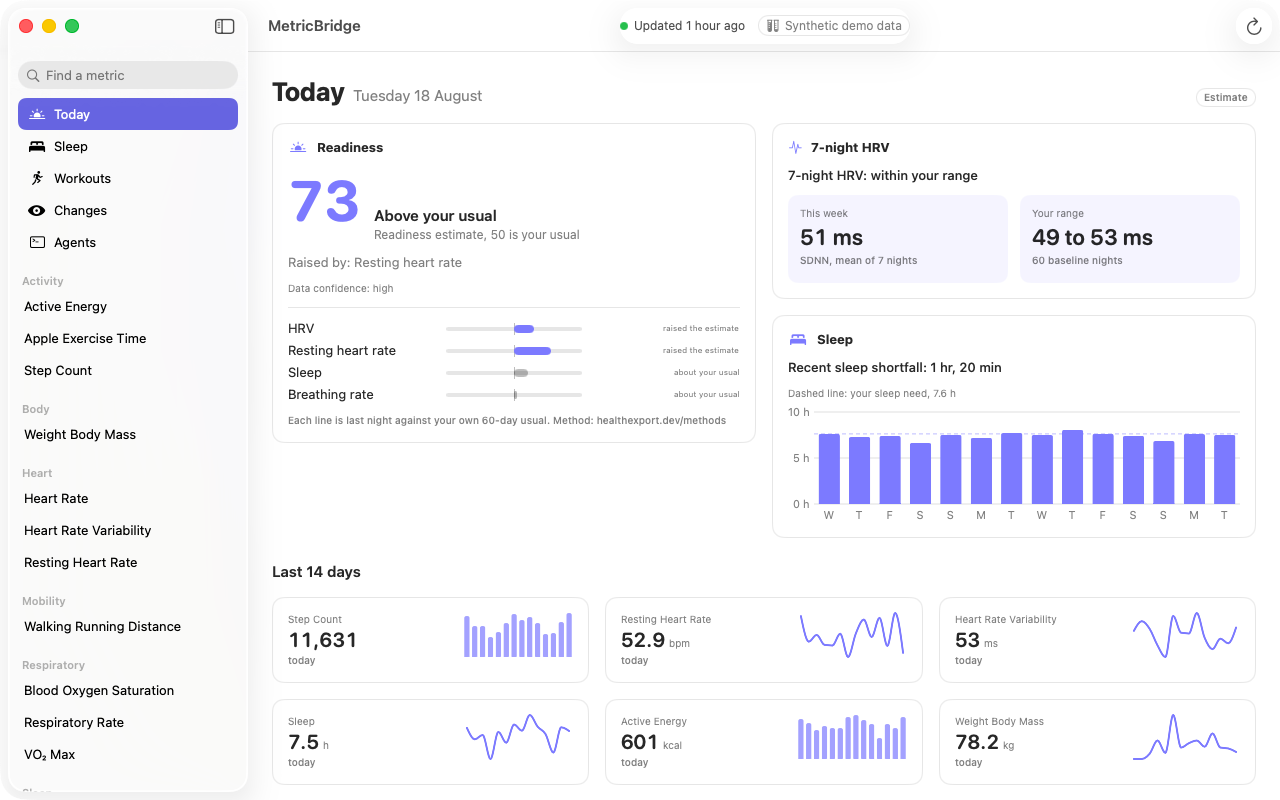
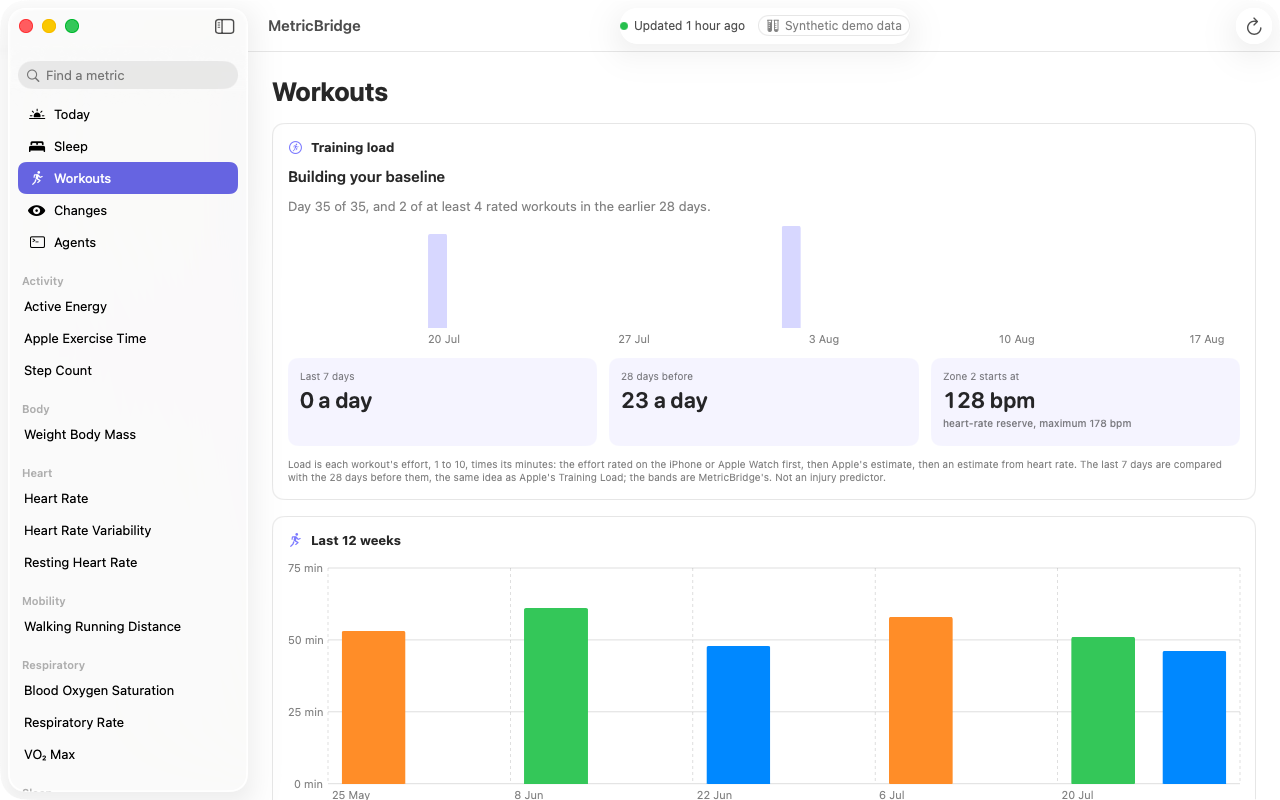
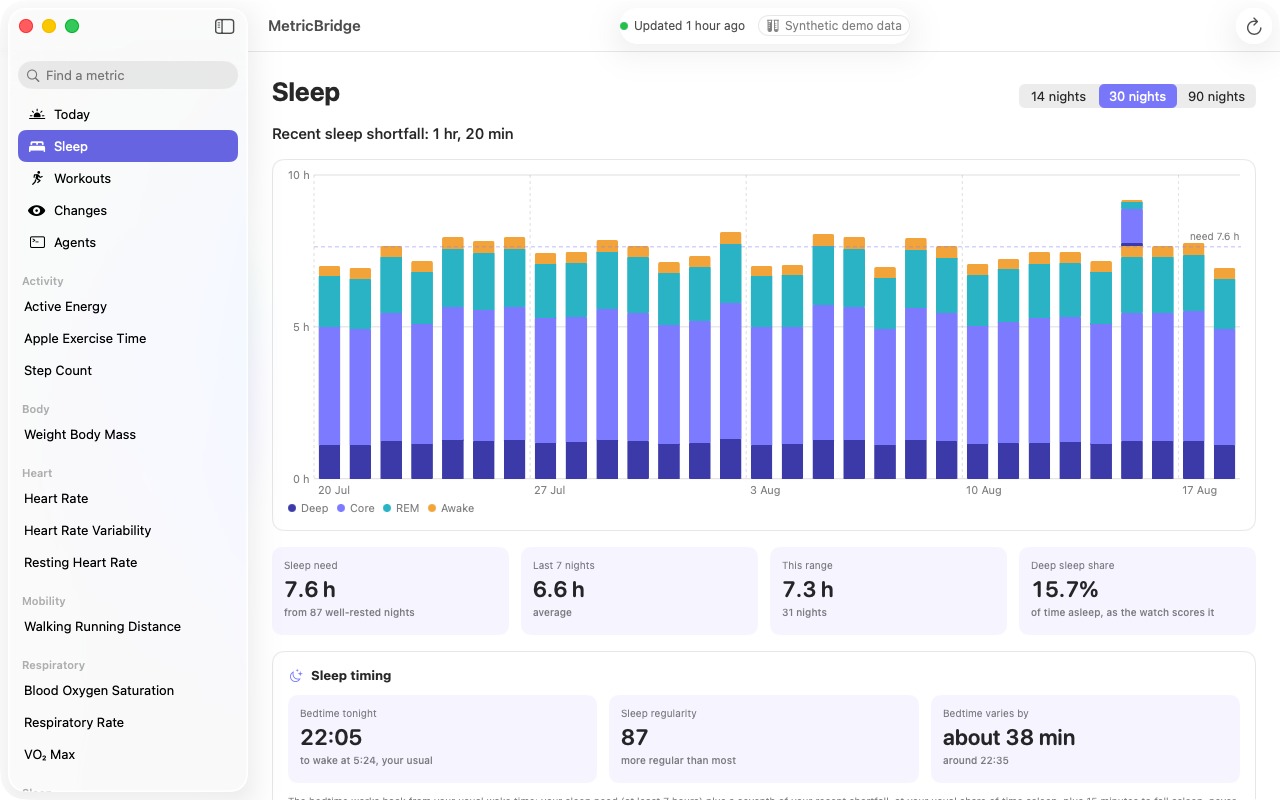
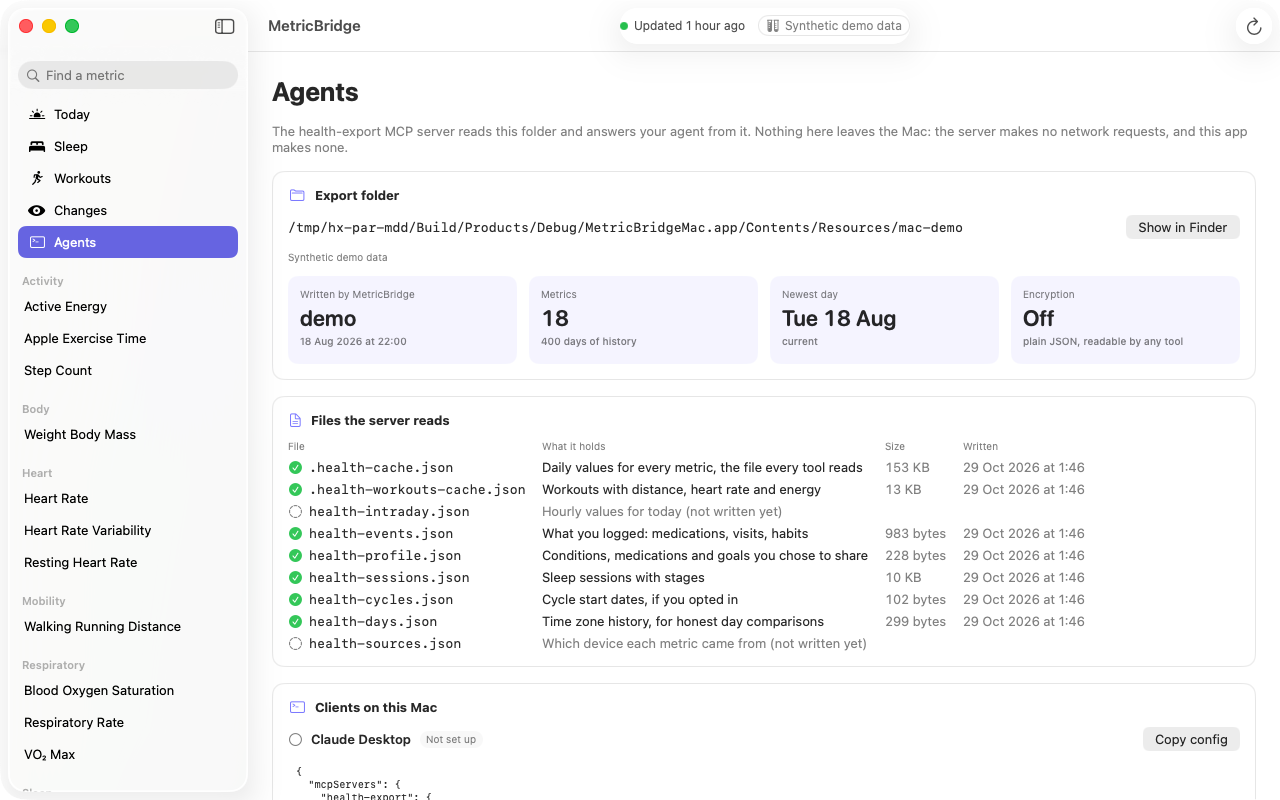
Screens from the app's built-in synthetic demo data.
How it works
- No HealthKit on the Mac. macOS has no Health store, so the Mac app reads the export your iPhone writes to iCloud Drive, or to any folder you choose. The folder is watched, so a sync shows up without a click.
- One engine. The Today card, training load and sleep timing are calculated with the same code as the iPhone, published on the methods page.
- Private. The app makes no network requests and has no account. An encrypted export opens with the passphrase you set on the iPhone, kept in your Mac's Keychain.
- In your language. Like the iPhone app, it is in English and 25 other languages.
Get MetricBridge
One $24.99 purchase for iPhone, Apple Watch and Mac after the free trial. No subscription.